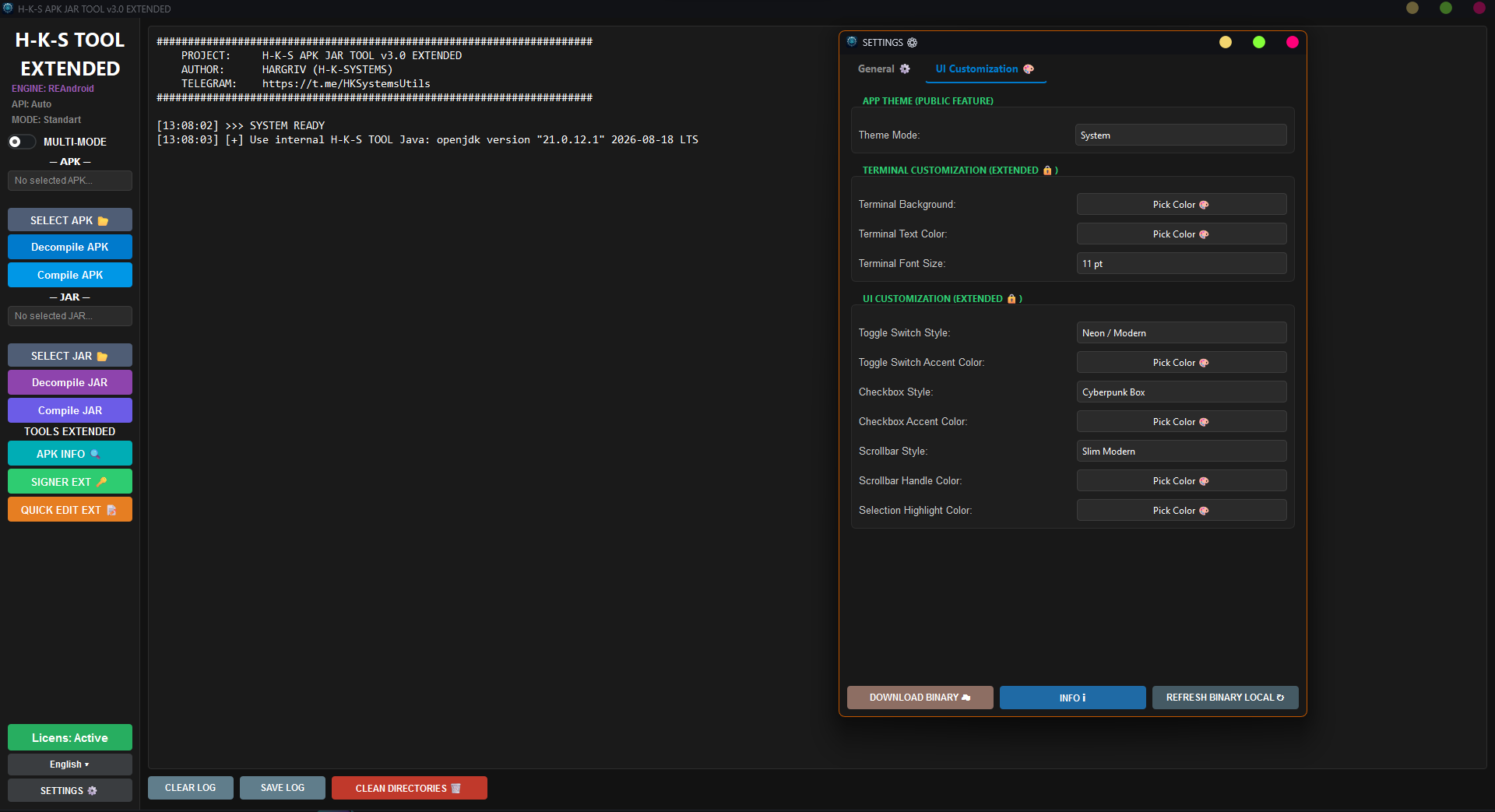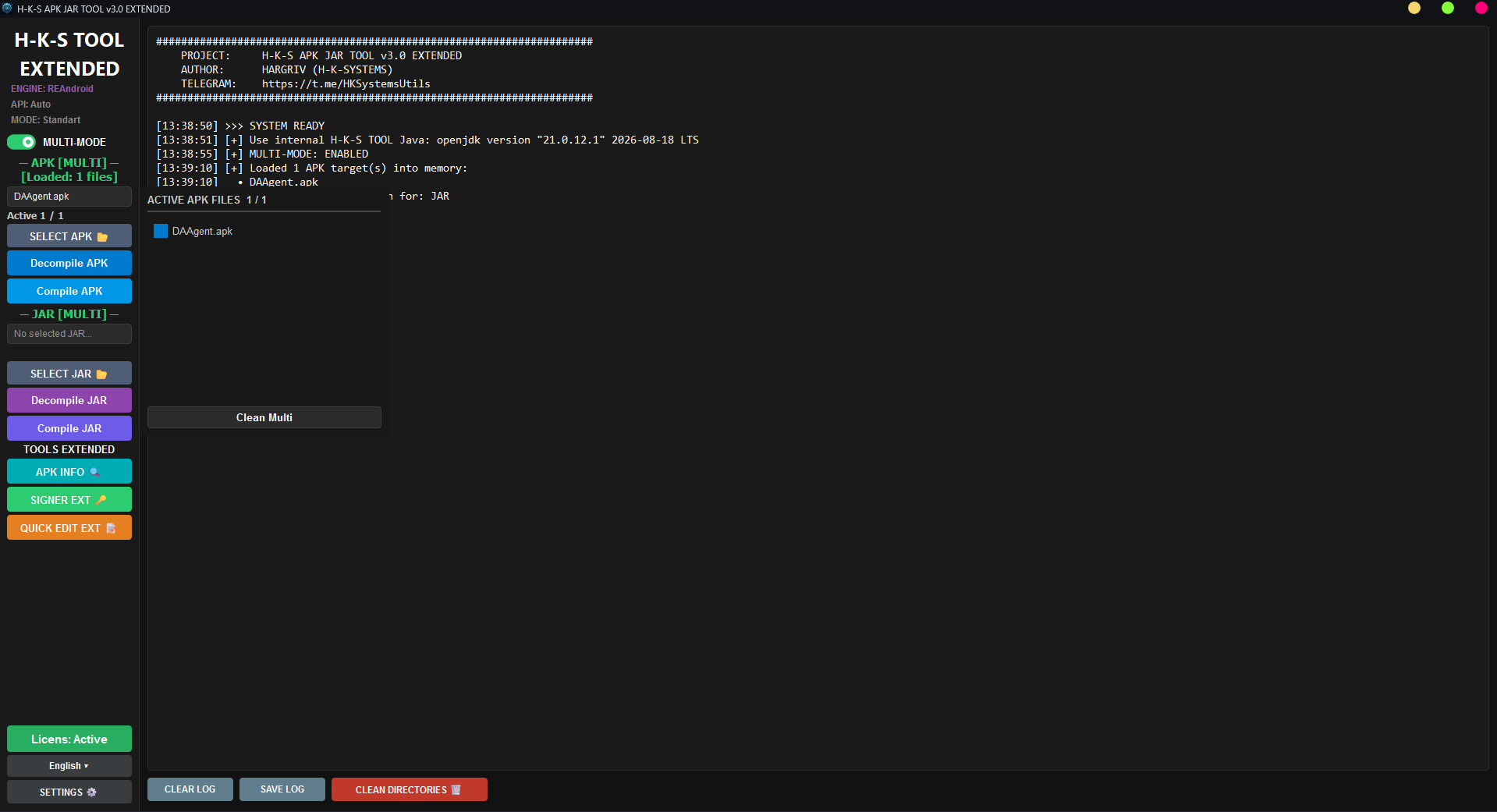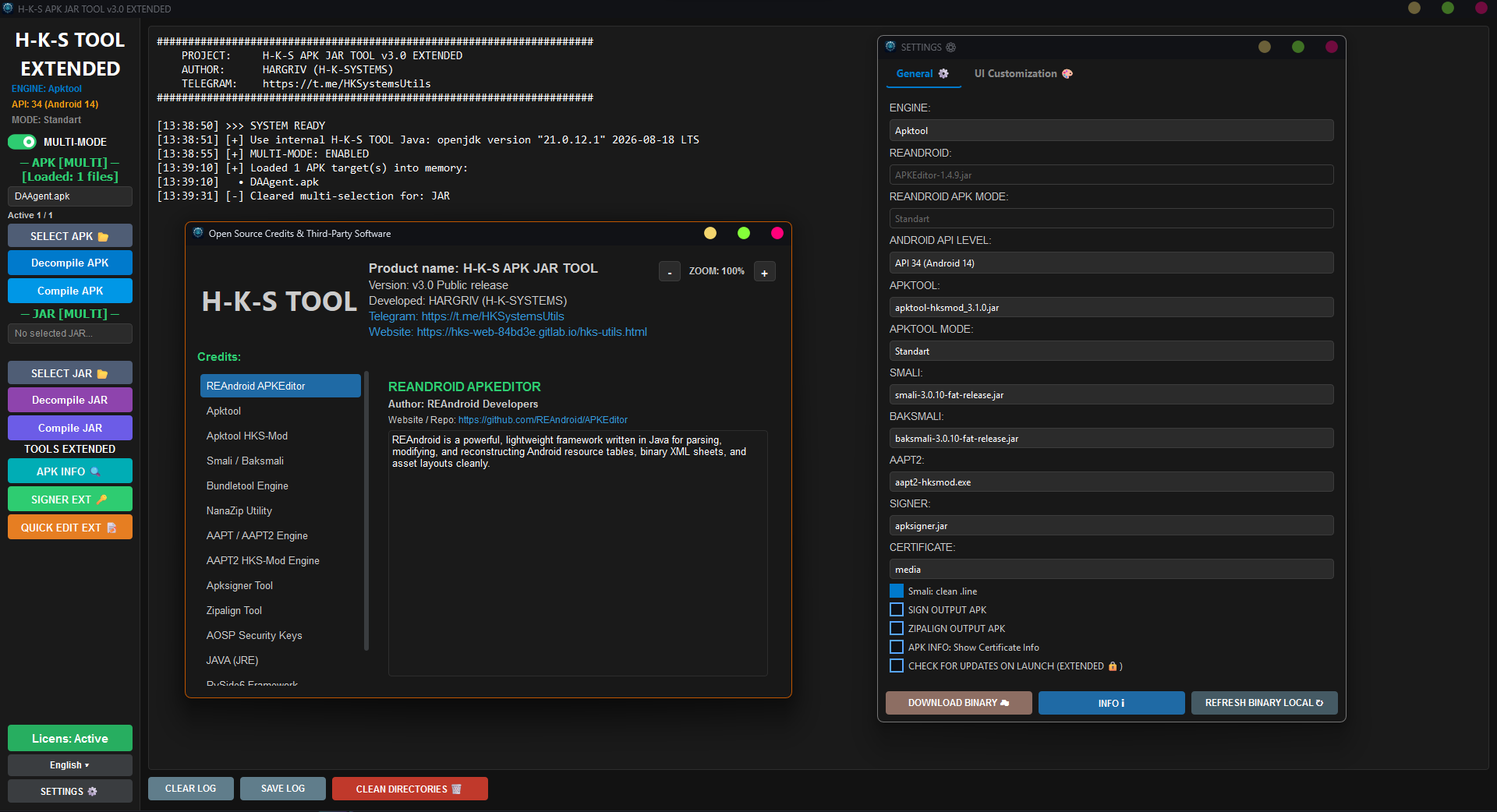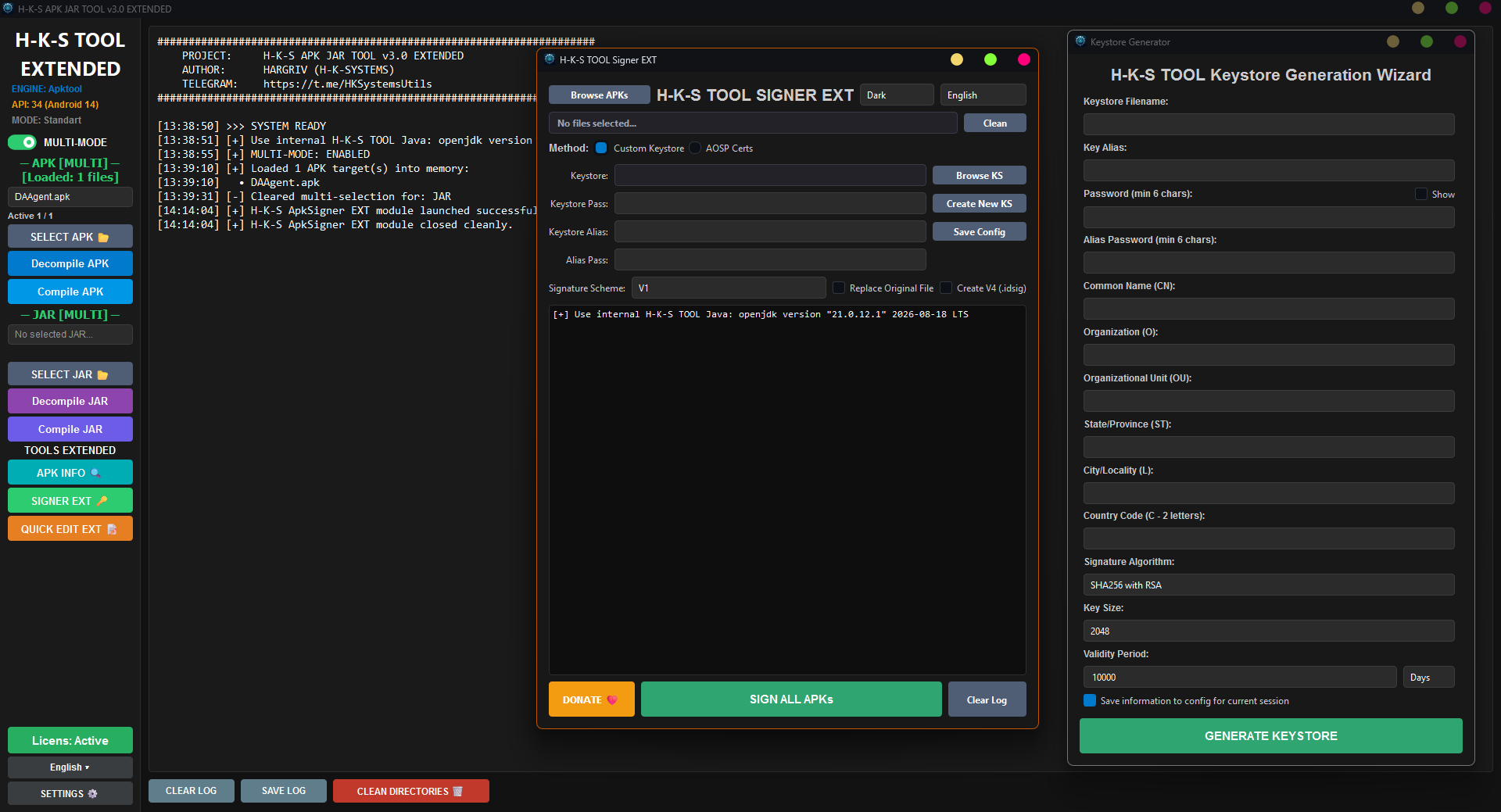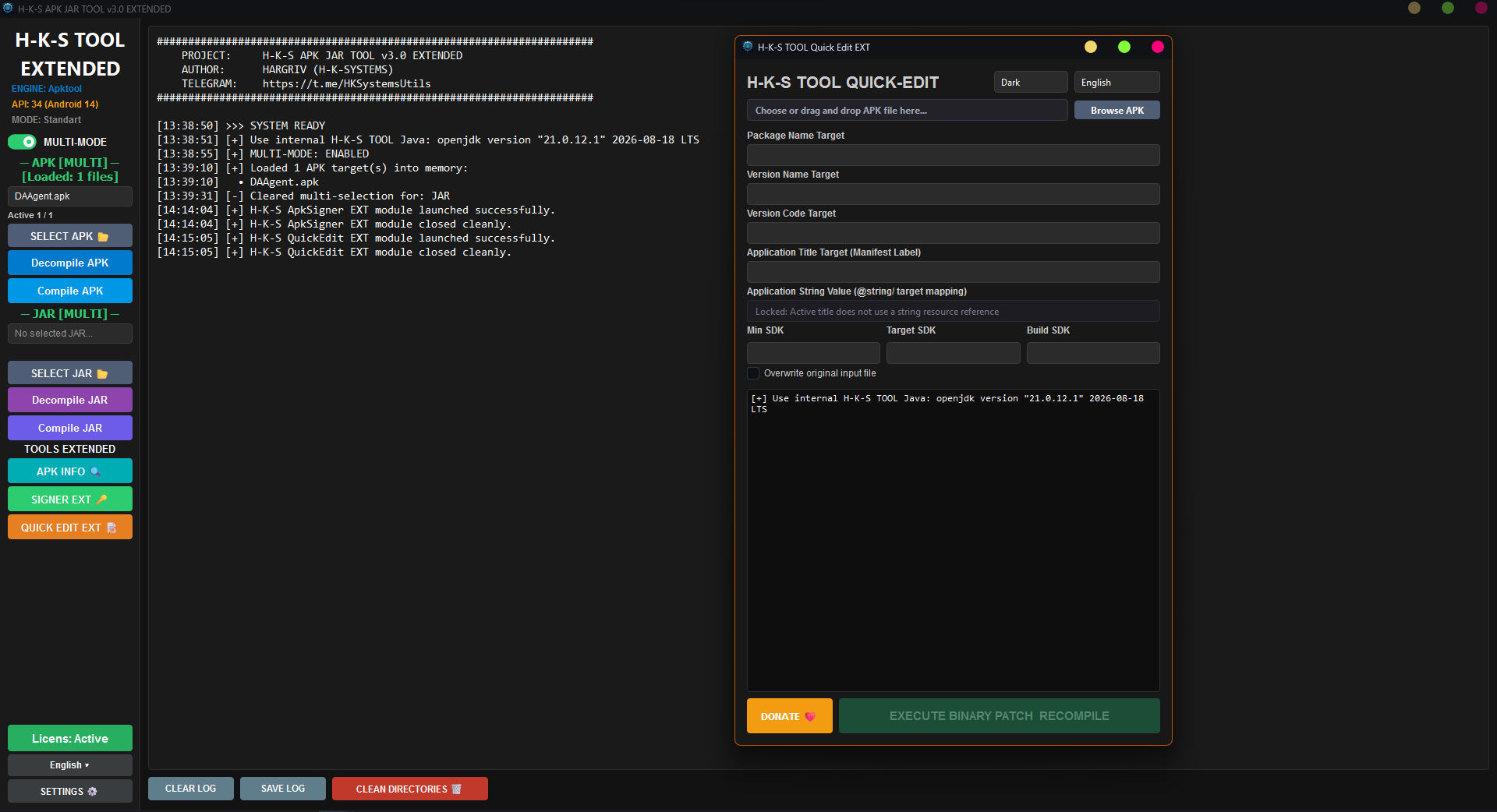
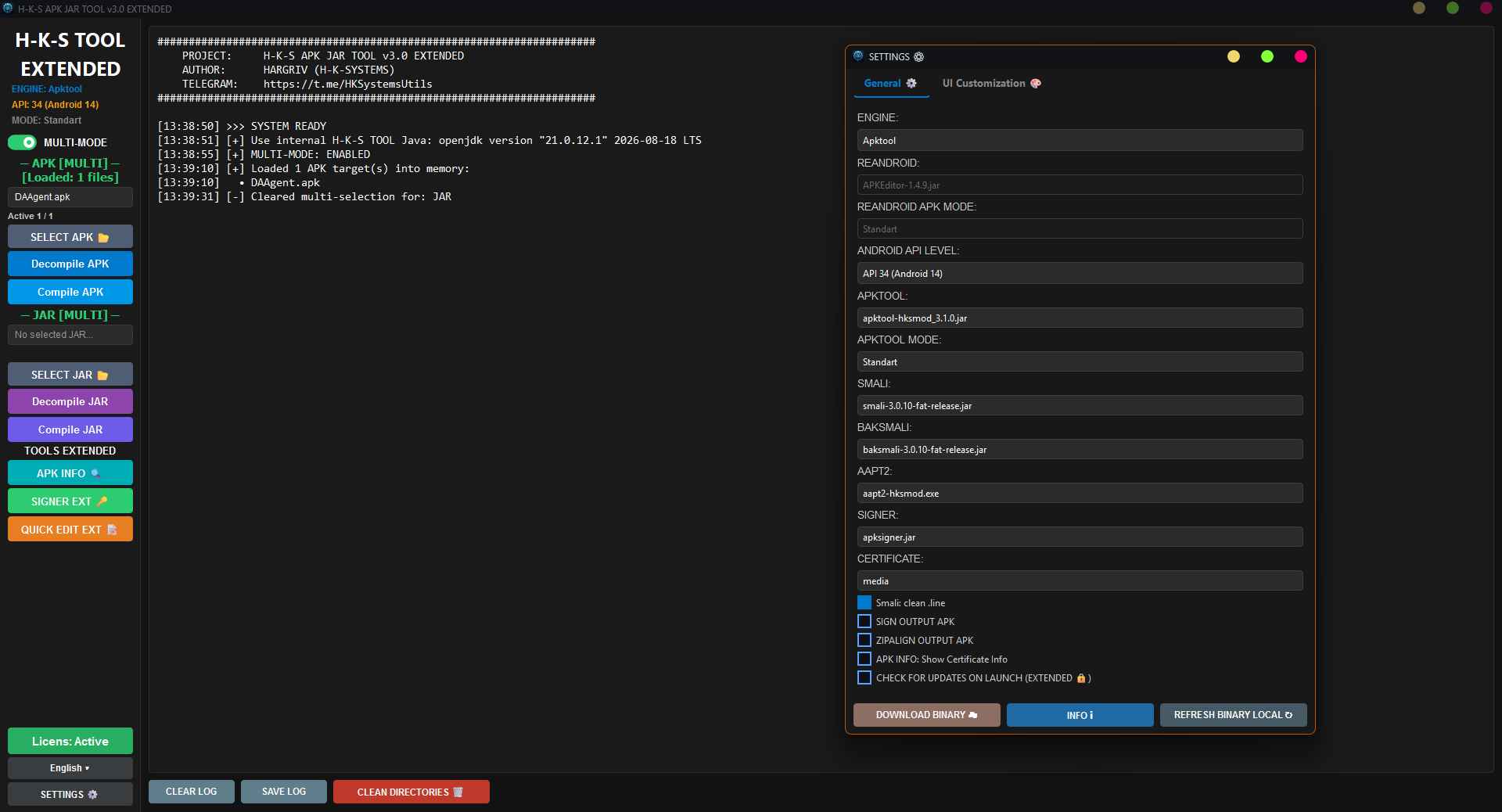
H-K-S APK-JAR TOOL is a high-performance, lightweight GUI utility designed for decompiling, editing, and compiling Android applications (.apk) and Java archives (.jar). Built without bloatware, it focuses on maximum speed, stability, and essential features for mobile reverse engineering.
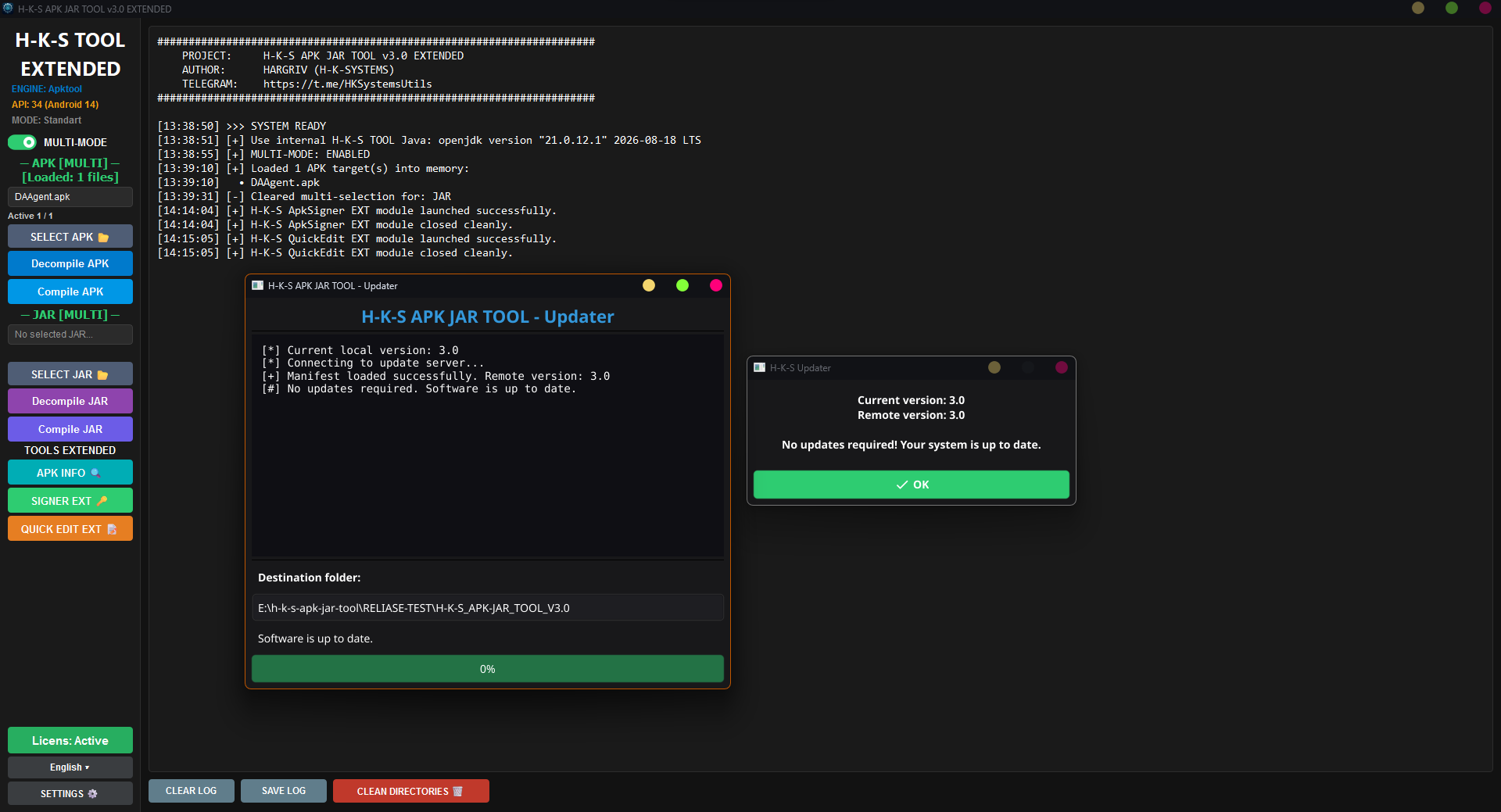
updater.exe) with automatic version checking and SHA-256 integrity verification.Dual-Engine Architecture:
Advanced UI & Multi-Processing:
bin/language/.Integrated Extension Modules:
For permission inquiries, contact: Telegram Support
Since this tool is designed for reverse engineering (decompiling/recompiling APK and JAR files) and is protected with PyArmor, some antivirus engines may flag it.
H-K-S_APK-JAR_TOOL_V3.0.zip from the download links below.H-K-S_APK-JAR_TOOL_V3.0.exe.H-K-S APK-JAR Tool Extended incorporates, orchestrates, and builds upon the following essential open-source tools and frameworks:
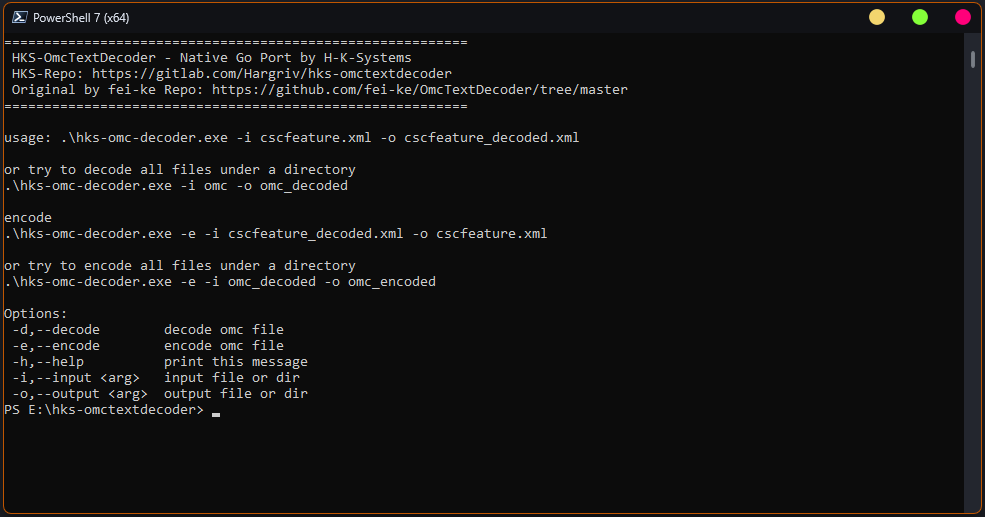
HKS OMC Decoder is a lightweight, high-performance command-line utility ported to native Go from the original OmcTextDecoder by fei-ke. It allows Samsung ROM developers and modders to transparently decode and encode Samsung OMC (Open Market Customization) and CSC XML configuration files (cscfeature.xml, full omc directory trees) without installing Java (JRE) or Python.
csc.apk.Commercial licensing & royalty inquiries: projecthksystems@gmail.com | GitLab Profile
Decode single CSC XML file:
hks-omc-decoder.exe -i cscfeature.xml -o cscfeature_decoded.xml
Decode entire OMC directory structure:
hks-omc-decoder.exe -i omc -o omc_decoded
Encode XML file back to OMC format:
hks-omc-decoder.exe -e -i cscfeature_decoded.xml -o cscfeature.xml
Encode directory tree back to OMC format:
hks-omc-decoder.exe -e -i omc_decoded -o omc_encoded
CLI Options:
-d, --decode: Decode OMC file (default mode)-e, --encode: Encode OMC file-h, --help: Print help message-i, --input <arg>: Input file or directory-o, --output <arg>: Output file or directoryH-K-S Magisk Avbtool Patcher is a specialized utility designed to automate and simplify the patching process for Samsung firmware. By combining the power of Magiskboot and Avbtool, this tool provides a comprehensive solution for bypassing Android Verified Boot (AVB) and integrating Root/Recovery into Samsung devices.
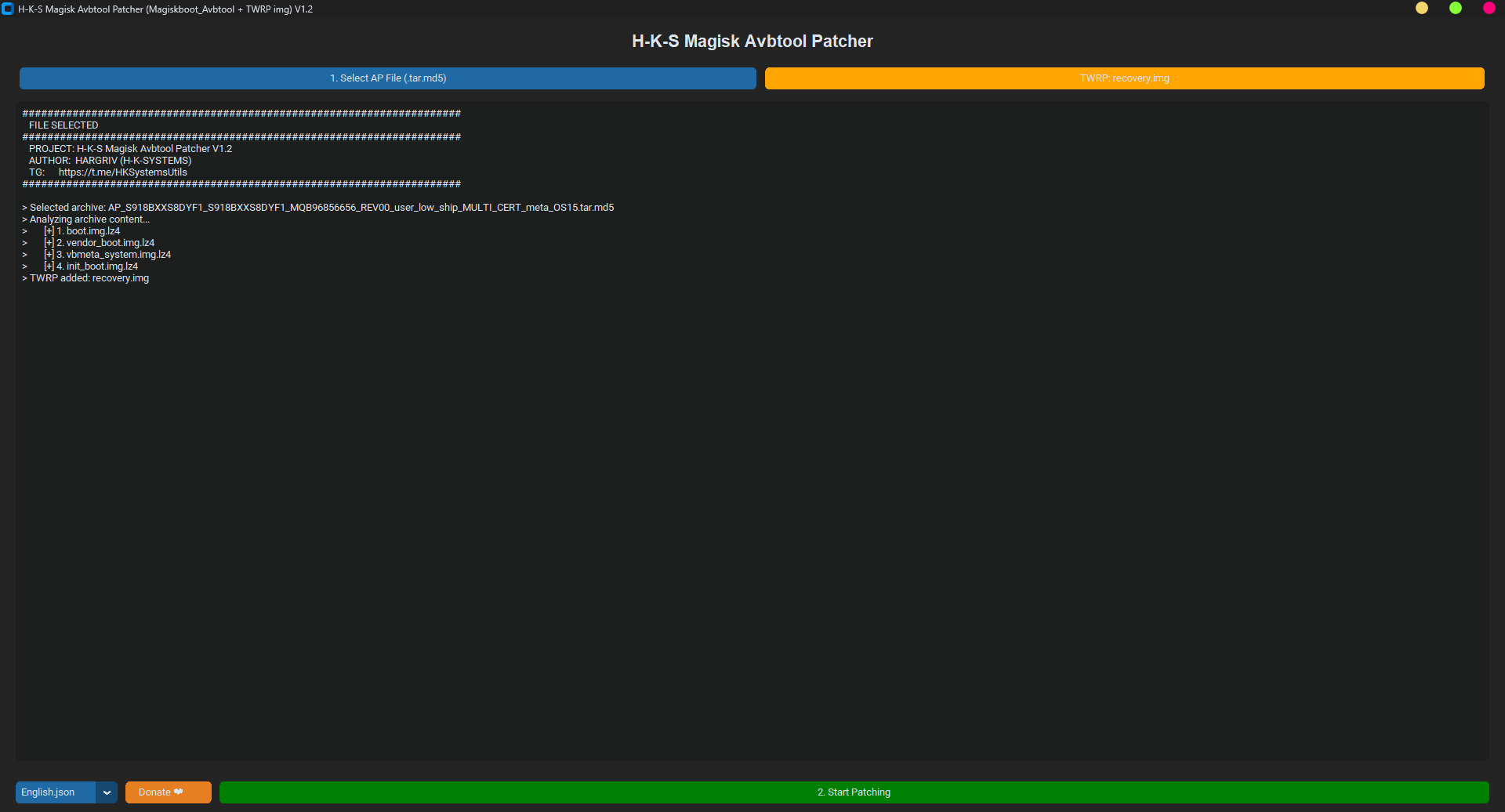
vbmeta.img using avbtool.py with automatic footer removal and padding..lz4 files directly from .tar.md5 archives.boot.img, init_boot.img, and vendor_boot.img in one go..tar archive compatible with Samsung Odin.JSON localization files.For permission inquiries, contact: Telegram Support
Due to the nature of Android engineering tools (bytecode manipulation, boot image patching, and executable packing with PyArmor), some antivirus engines may flag these files as "Generic" or "Malicious".
H-K-S_Magisk_Avbtool_Patcher.zip from the link below.exe, bin folder, and all dependencies).H-K-S_Magisk_Avbtool_Patcher.exe from the extracted folder..tar in the output folder.Need support? Open Official Support & Contact Channels.
Your donations keep the H-K-Systems project alive and moving forward.
Developer: Hargriv
PayPal Email: projecthksystems@gmail.com
Have questions, bug reports, or feedback? Reach out through our official channels: